Even G1 Companion
← All WorkDean’s G1 SuperCompanion is a custom iOS app I built in Swift for the Even Realities G1 smart glasses. The official app is intentionally simple, so I set out to make a more powerful one: full control over the display, more widgets, and a HUD you actually configure instead of being locked into a fixed layout.
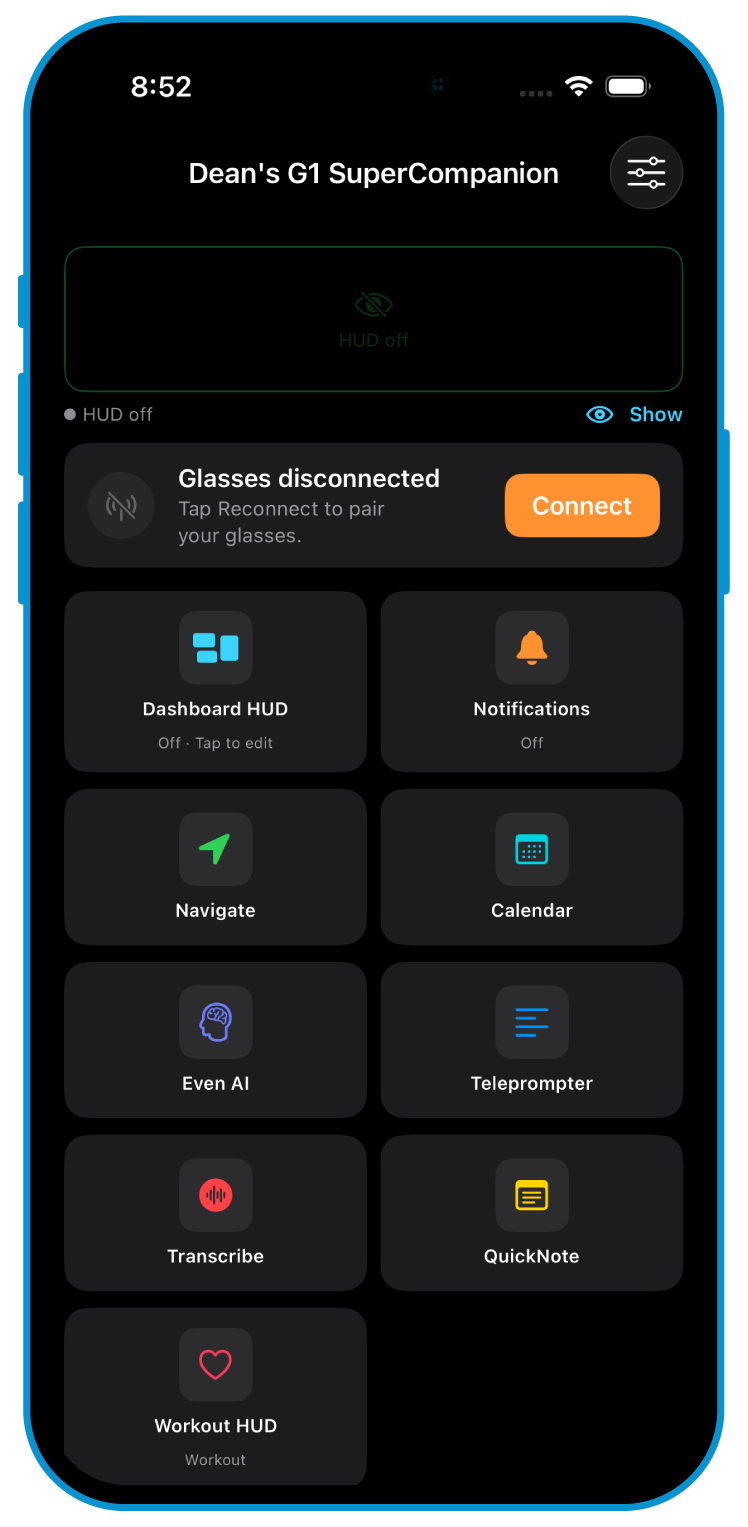
A clean home screen gathers every feature in one place: dashboard HUD, notifications, navigation, calendar, AI, teleprompter, transcription, and quick notes. It was built to feel like a real product, not a settings panel.
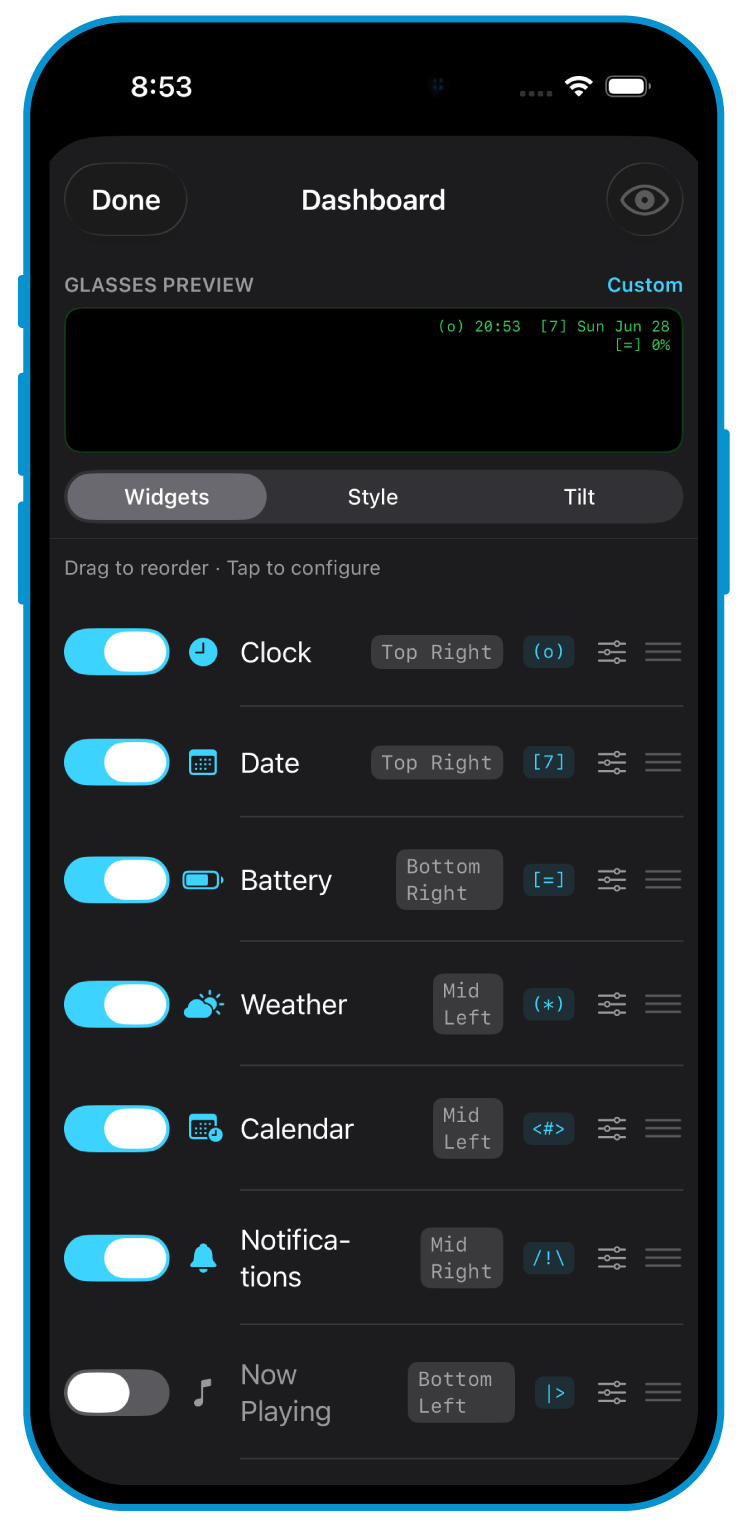
The core is a fully customizable dashboard. Widgets (clock, date, battery, weather, calendar, notifications, now playing, and more) can be toggled, dragged to reorder, and positioned anywhere on the display, top-left through bottom-right, with a live glasses preview that reflects every change as you make it.
Around it sits a settings layer that exposes nearly every hardware adjustment the G1 allows: display height, depth, head-up angle, brightness, and tilt behavior. Where the official app gives you a few switches, this gives you the whole board.
Under the hood it meant building a custom Bluetooth layer for the G1’s two independently-connected arms: per-arm readiness and reconnection, packet sequencing, queue management, and a display-ownership system so different parts of the app never fight over the screen. A developer panel adds HUD calibration, connection diagnostics, and a BMP rendering pipeline.
The honest edge: I could drive the firmware’s text HUD reliably, but I couldn’t fully override the G1’s Bluetooth protocol to render arbitrary images on its display. That exact unsolved problem is what I later cracked on the newer G2 hardware in Tennis Mode, where full custom rendering finally worked.
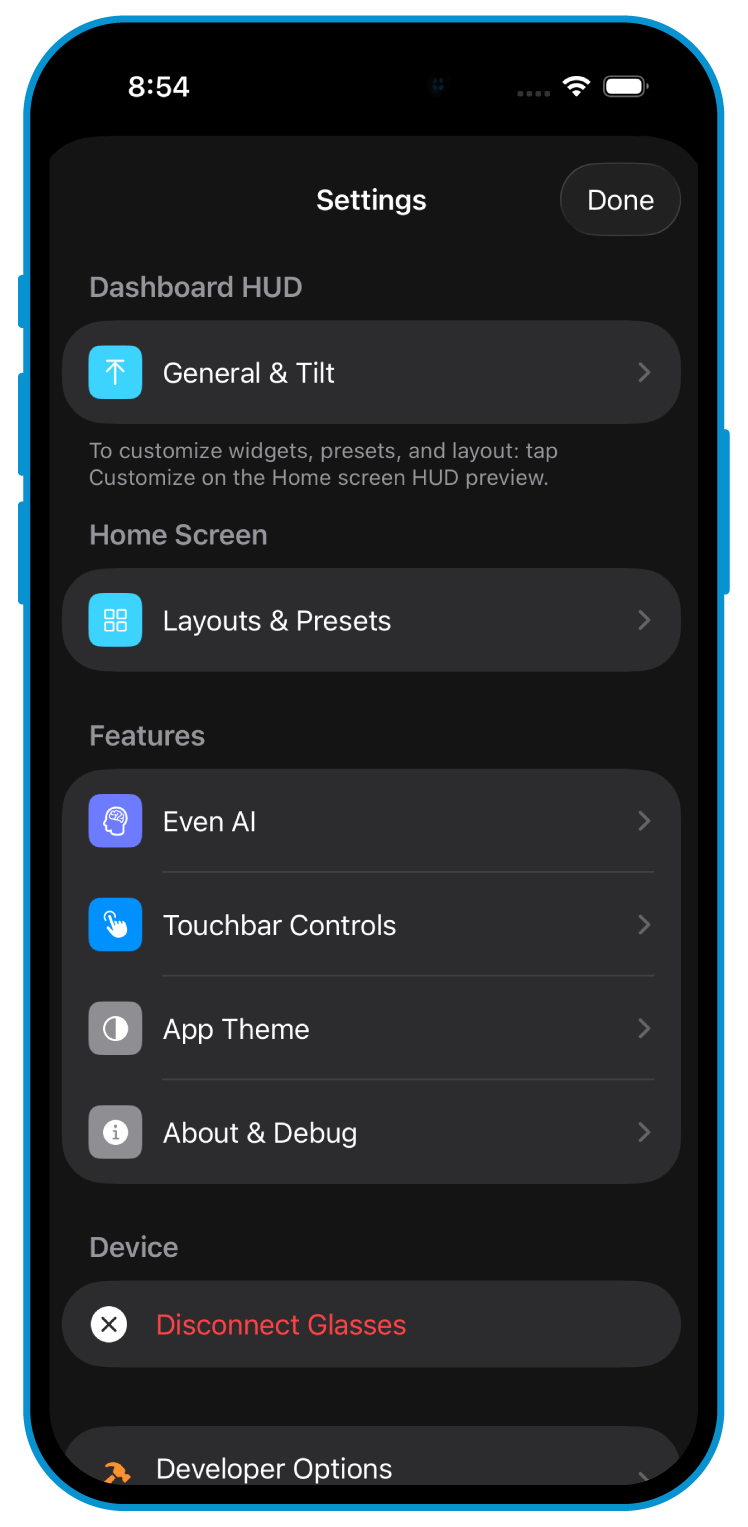
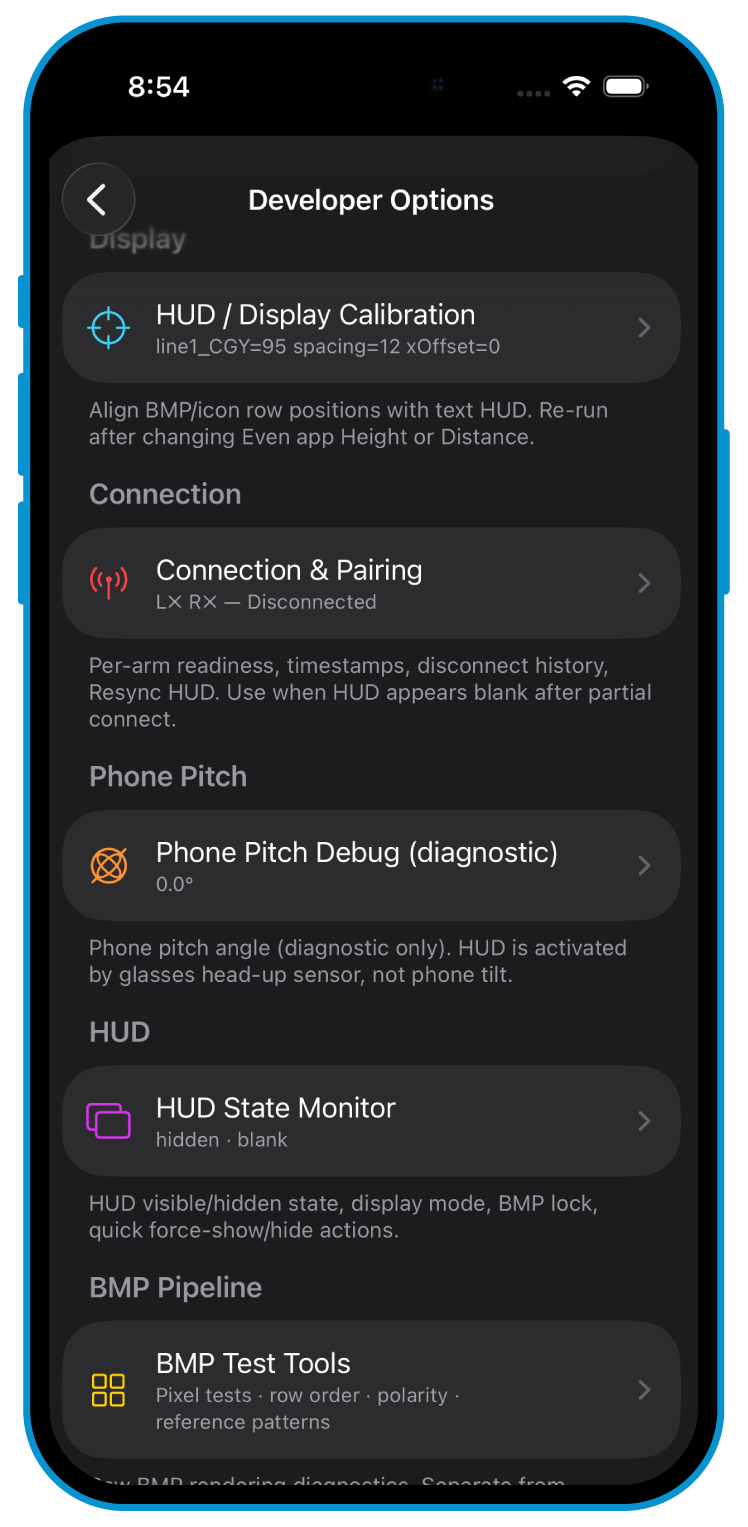
A full native iOS app built directly against smart-glasses hardware: interface, customization system, and a hand-rolled Bluetooth layer underneath. The range it covers:
Built for myself and used by a friend, it did something the official app could not: place arbitrary text and graphics anywhere on the heads-up display, in whatever layout you wanted. As of mid-2026 even the newer G2 has no comparable customization.